
Remote support and assistance has become a go-to solution for both home users and businesses when they need fast, no-fuss tech help. With the right remote support service, you skip waiting for an in-person visit and get straight to solutions while staying at your desk or on your couch. I’ve seen how a quick remote fix can save the day countless times, whether it’s troubleshooting a cranky computer or sorting out stubborn software installations.
What Is Remote Support and Why Is It So Handy?
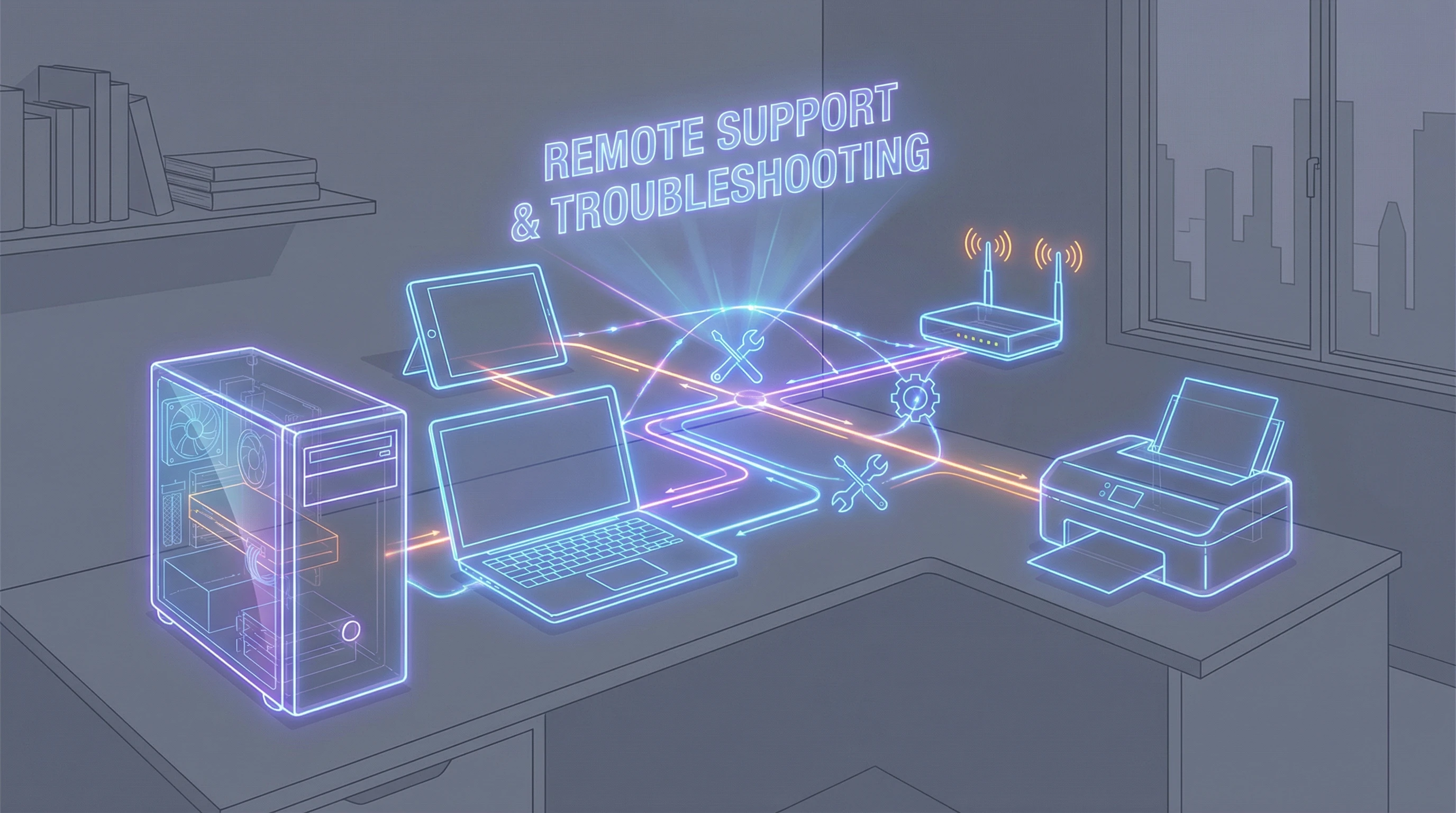
Remote support is all about connecting you with an expert technician, live through the internet, so any tech issue gets sorted out no matter where you are. It’s like having your own IT specialist just a click away. Whether you’re running a small business with tech at its core or just want your home computer working smoothly, this offers a flexible and reliable way to stay productive without any big interruptions.
With the growing switch to remote work, demand for remote IT support has shot up. Businesses and households can’t afford downtime, and calling in a specialist for every hiccup just isn’t realistic. Remote support services fix issues quickly; sometimes in just minutes. That kind of convenience is a real game-changer for me.
How Remote Support Works: A Simple Walkthrough
The process is super simple. Here’s a quick rundown of how remote assistance usually works:
- Easy Connection: Once you ask for help, you get a secure link or code, so a technician can connect to your device remotely. No advanced tech skills needed on your end.
- Live Troubleshooting: The tech sees what’s on your screen (with your permission) and works through issues as though they’re right next to you. You can chat or talk by phone to explain the situation in real time.
- Problem Solved: When the issue is fixed, the remote session ends. You’re good to go, with no extra apps left running or connections lingering in the background.
All this happens while you watch (if you’re curious), or you can take a break while our team handles all the tough stuff.
What Can Remote Support Help With?
Remote assistance isn’t just for emergencies. It covers lots of daily technology challenges. Some of the most common things I help with include:
- Software Installation & Updates: Keeping apps current or adding new ones without headaches.
- Virus & Malware Removal: Safely removing cyber threats, all while your device stays at home.
- Printer & Device Setup: Connecting new gadgets or troubleshooting printers that just won’t cooperate.
- Email Issues: Fixing problems with sending, receiving, or setting up emails (which can get surprisingly complex).
- Network & WiFi Troubles: Speeding up your connection or reconnecting devices for both homes and small businesses.
- Data Backup & Recovery: Protecting your important files or recovering things you thought were lost.
Having a go-to expert for everyday tech struggles is reassuring, especially if technology isn’t your thing or you don’t have time to dig into technical details.
Remote Support Rates: Hourly, Monthly, and Yearly Options
I’ve found that people value flexible pricing for tech help. Not everyone needs ongoing support, so we offer several plans:
- Hourly Rate: Ideal for quick fixes or random one-off problems. You only pay for what you need.
- Monthly Subscriptions: Awesome for those who want help quickly and often. It’s easy to budget, plus you get priority service.
- Yearly Packages: Best for businesses or serious home users who want all-year support. This usually comes with extras, like regular system checkups or extra-fast responses.
By putting out different choices, clients avoid paying for things they won’t use but can always call on help if things start going wrong more often. Ask us for more details about our pricing.
Getting Started With Remote Support
Getting set up is fast and easy. There are no complicated signups or software installs on your own. Here’s how to connect with our service in a few steps:
- Book a session: Use our website or call us directly if you need immediate help.
- Download our secure remote support tool when prompted. It’s lightweight and works on Windows, Mac, and most mobile devices.
- Share your one-time access code so our technician can connect securely. When the problem’s fixed, you’re always in control—the session ends when you say so, and no access remains afterwards.
You don’t have to wait days for a visit, or try to explain tough issues over the phone when you can get direct, visual help. Even the skeptical clients I’ve worked with have become remote support fans after just a session or two, once they see how simple and safe it really is.
Security and Privacy With Remote Support
Security is a main concern for most people considering remote help. Remote support uses secure, encrypted connections to keep your information protected. During every session, you have full visibility over what’s going on. Our support staff only access what you’ve allowed, and as soon as the session is over, the connection is shut down for good.
We never keep passwords or private details, and there are no leftover remote access programs on your system afterwards. This level of transparency keeps your devices and data safe, helping you feel confident from start to finish. For more details, check out our privacy policy.
Benefits of Choosing Our Remote Support & Assistance Service
- Speed: No more waiting forever for an on site technician, get solutions right away from wherever you are.
- Convenience: Don’t disconnect devices or travel anywhere. Just open a connection and let our experts get into it.
- Trusted Experts: Our team has plenty of experience handling all sorts of tech headaches, big and small.
- Flexible Pricing: Pick a plan that matches your goals, without hidden fees or weird charges.
- Continuous Care: Monthly and yearly plans make sure you’re supported with ongoing maintenance and peace of mind.
I know how frustrating technology gets, especially when nothing seems to work. My goal is always to provide fast, friendly, and reliable help—so you stay in control.
Tips for a Smooth Remote Support Experience
Want to make your remote session run smoothly? Here are some tips I’ve picked up along the way:
- Have a clear description of the issue ready. The more info you can give up front, the faster we can get to work.
- Close any sensitive files or apps before we connect, especially for extra privacy.
- Keep your phone or computer close so you’re ready to answer questions or give feedback during the session.
- If you’re on a business network, giving your IT department a heads up can help avoid permission hang-ups.
It’s all about making the support session quick, safe, and productive—so you get back to what really matters fast.
FAQ: Your Remote Support Questions Answered
How fast can I get remote support?
In most cases, you’ll be connected with a technician within minutes, especially if you have a support plan. We offer service windows built around your schedule.
Is remote support safe for my private files?
Absolutely. You control each step. Nothing is accessed without your say-so, and after the session all access shuts down completely.
What devices can be supported remotely?
We handle PCs, Macs, laptops, tablets, smartphones, and even network and printer devices, at home or work.
Can you help my business with ongoing support?
Yes. Our monthly and yearly packages are built for businesses who want regular IT help, remote management, or proactive monitoring. Read more about business support.
Ready for Stress-Free Tech Support?
Remote support totally changes how you handle tech trouble, whether you run a busy network or want home computers to run without a hitch. With plans for every need—hourly, monthly, or yearly—and a team of experts ready to help, you get answers exactly when you need them. My goal is to make tech problems one less thing for you to worry about, so you can focus on what matters most to you.
Got an issue you need handled now? Reach out today and see just how easy, fast, and reliable remote support can be.

0 Comments